
SPOUT ON LINUX
|
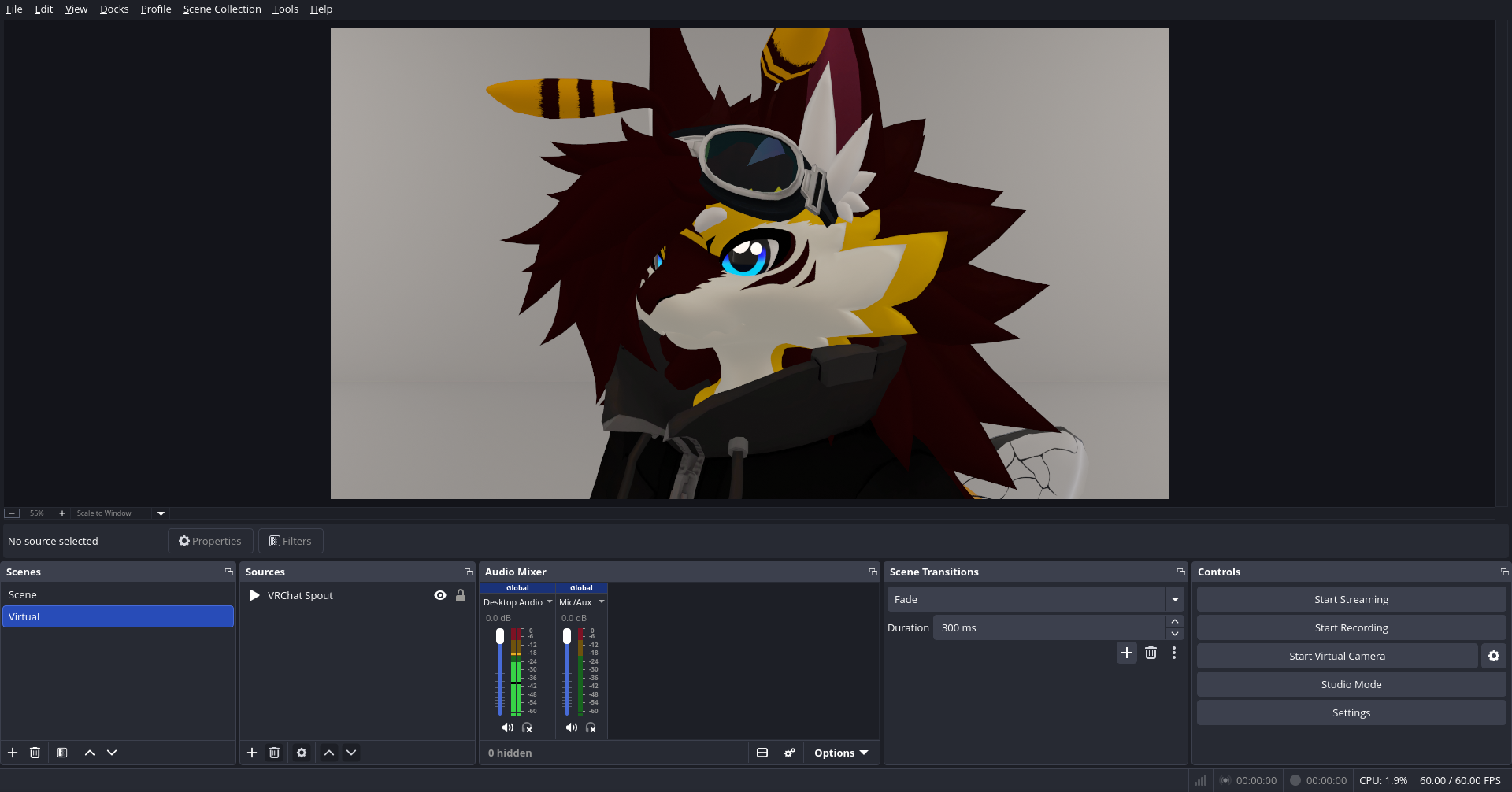
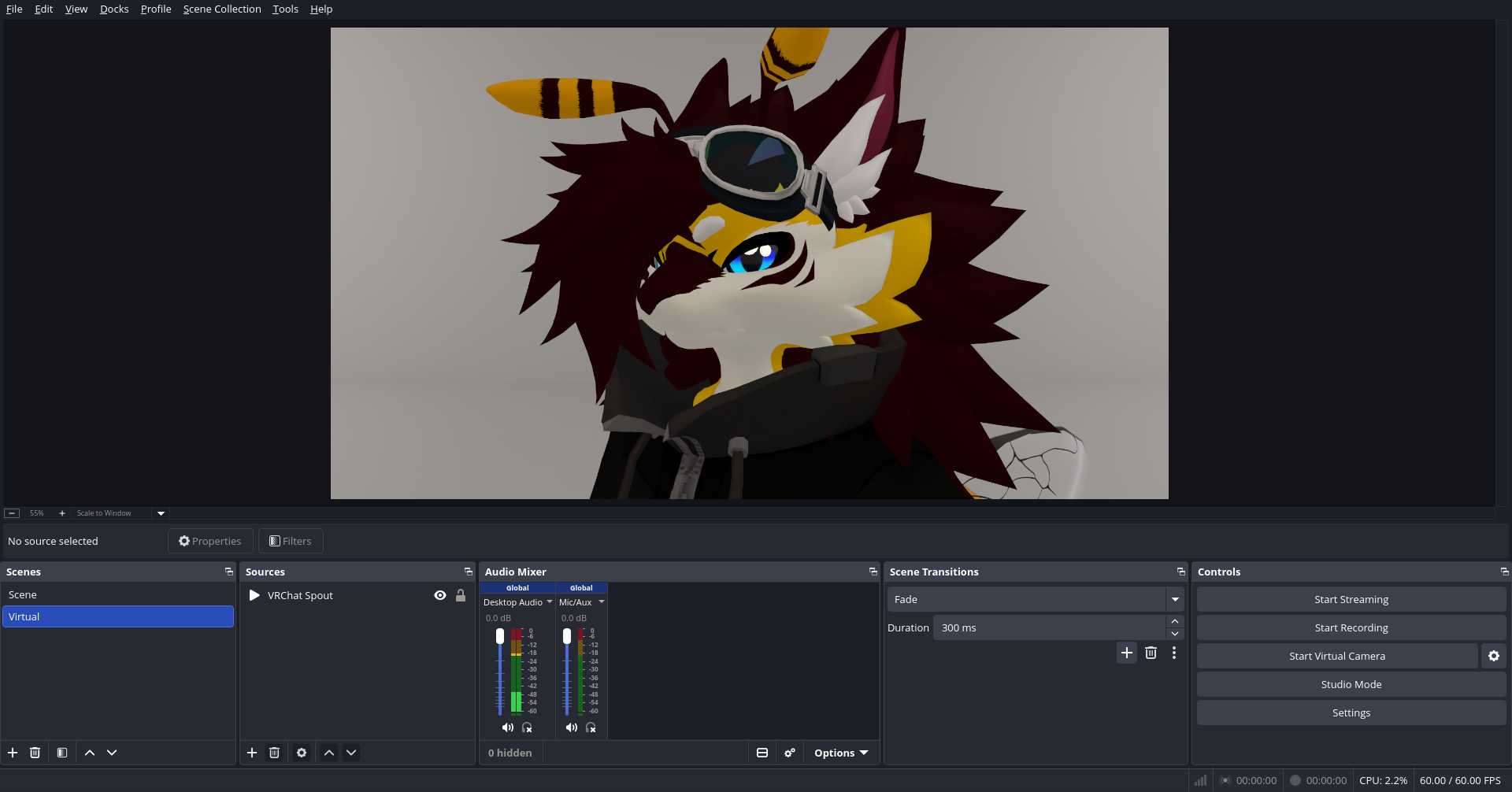
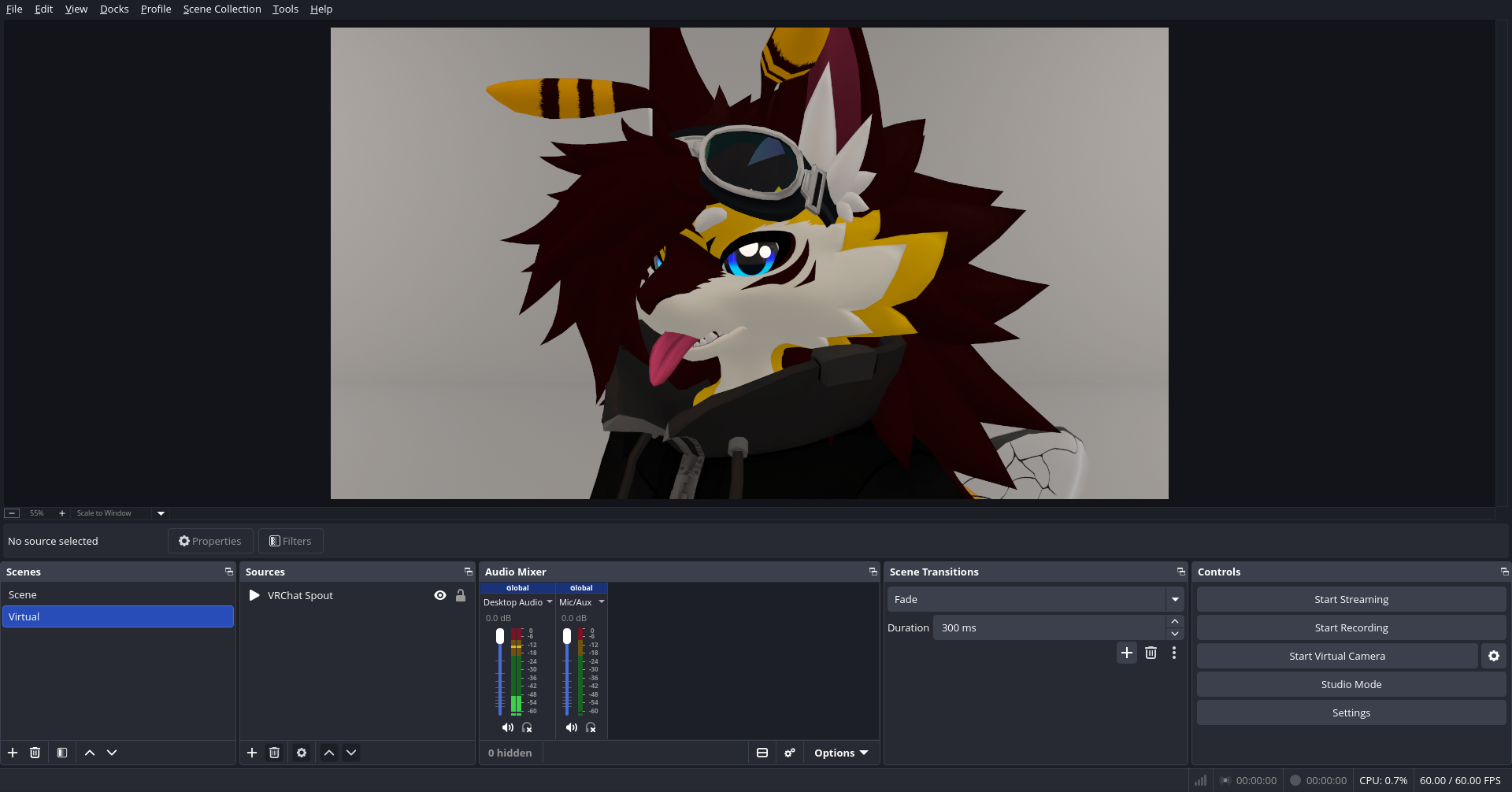
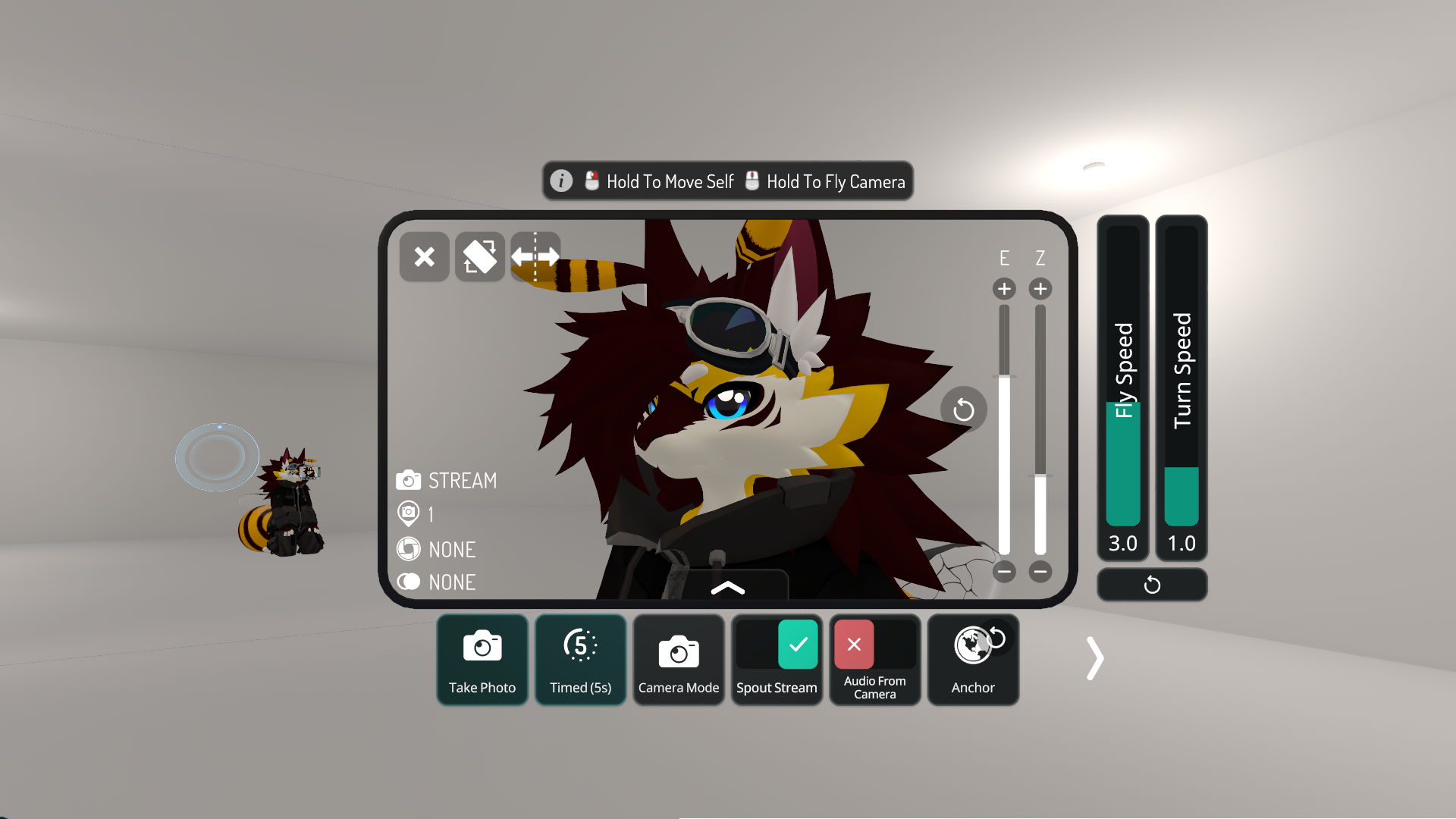
NOTE: You should have Proton newer than 10.0-4 and older than 11 and Pipewire installed and running for it to work Spout on Linux is possible with Hoshinolina's Spout2PW (Spout to Pipewire) Github. Firstly you need Proton 10 newer than 10.0-4 and older than 11 (GE-Proton-10-xx is a good example), QPWGraph (For a UI to connect your Spout nodes), wget (So you could download the release), Pipewire, Steam (Maybe you don't need Steam), OBS with Hoshinolina's obs-pwvideo plugin Github (if you want to) Make sure you have Steam installed (if needed) and Pipewire For Debian/Debian-based distributions: sudo apt update sudo apt install wget qpwgraph For Red Hat/Fedora-based distributions: sudo dnf install wget qpwgraph For Arch Linux/Arch Linux based: sudo pacman -S wget qpwgraph For openSUSE: sudo zypper install wget qpwgraph Downloading and extracting Spout2PW's newest release wget https://github.com/hoshinolina/spout2pw/releases/download/0.2.3/spout2pw-0.2.3-bin.tar.gz tar xvf spout2pw-0.2.3-bin.tar.gz You need to download a Proton version that is newer than 10.0-4 and older than 11, in this case I will use GE-Proton10-33-rtsp23-4 from GE-Proton10-33-rtsp23-4 Release Launching a Windows Steam app or game with Spout2PW You need to open the properties of the Steam app or game, go to "Compatibility", Check "Force the use of a specific Steam Play compatibility tool", in the drop down choose your Proton version (GE-Proton10-33-rtsp23-4 in my case), go back to "General" and set the launch options to [environment variables or commands you already have] [absolute path to Spout2PW]/spout2pw.sh %command% [your flags for the Steam app or game] Without Steam [environment variables] [path to Spout2PW]/spout2pw.sh [your Proton command] NOTE: Spout2PW supports multiple Spout streams on the same prefix Just click on the '+' icon in sources, choose "Pipewire Video" and choose the source that starts with "Spout2PW ([name of the app or game]): [name of the spout streamer]" Sometimes if your "ulimit -n" is 1024 or a low number can lead to freezes or instant crashes (VRChat is an example) increase it to 524288 or 1048576 in /etc/security/limits.conf, put this at the end * soft nofile [your chosen value] * hard nofile [your chosen value] Then reboot, then run "ulimit -n" and it should show your chosen value If VRChat on Proton 10 or newer crashes instantly to the desktop even after the ulimit fix, add this to your launch options and it basically disables a WINE/Proton DLL that handles YUV Video on Windows [your environment variables] WINEDLLOVERRIDES="iyuv_32=" [rest of your launch options] If VRChat media players are not working (AVPro or Unity video player), use GE-Proton-rtsp Github, it has libraries to help with media players on Proton and you could try adding these launch options (For VRChat) [your launch options] %command% --enable-avpro-in-proton [rest of your launch flags] |
|
Credits to Arti for the Bee Novabeast VRChat avatar |
 |
 |
 |
 |
 |
 |
|
Spout is an open source library to stream DirectX or OpenGL textures from a game or app to another using an efficient pipeline (Usually ruined by Windows and GPU driver optimization) and it works on Linux with WINE or Proton (with DXVK on DirectX) but only local to the prefix unless you hook into Vulkan or DXVK and use some magic. Spout2PW helps a lot by taking all the spout streams and turning them into Pipewire video streams so you could use these spout streams with Linux software
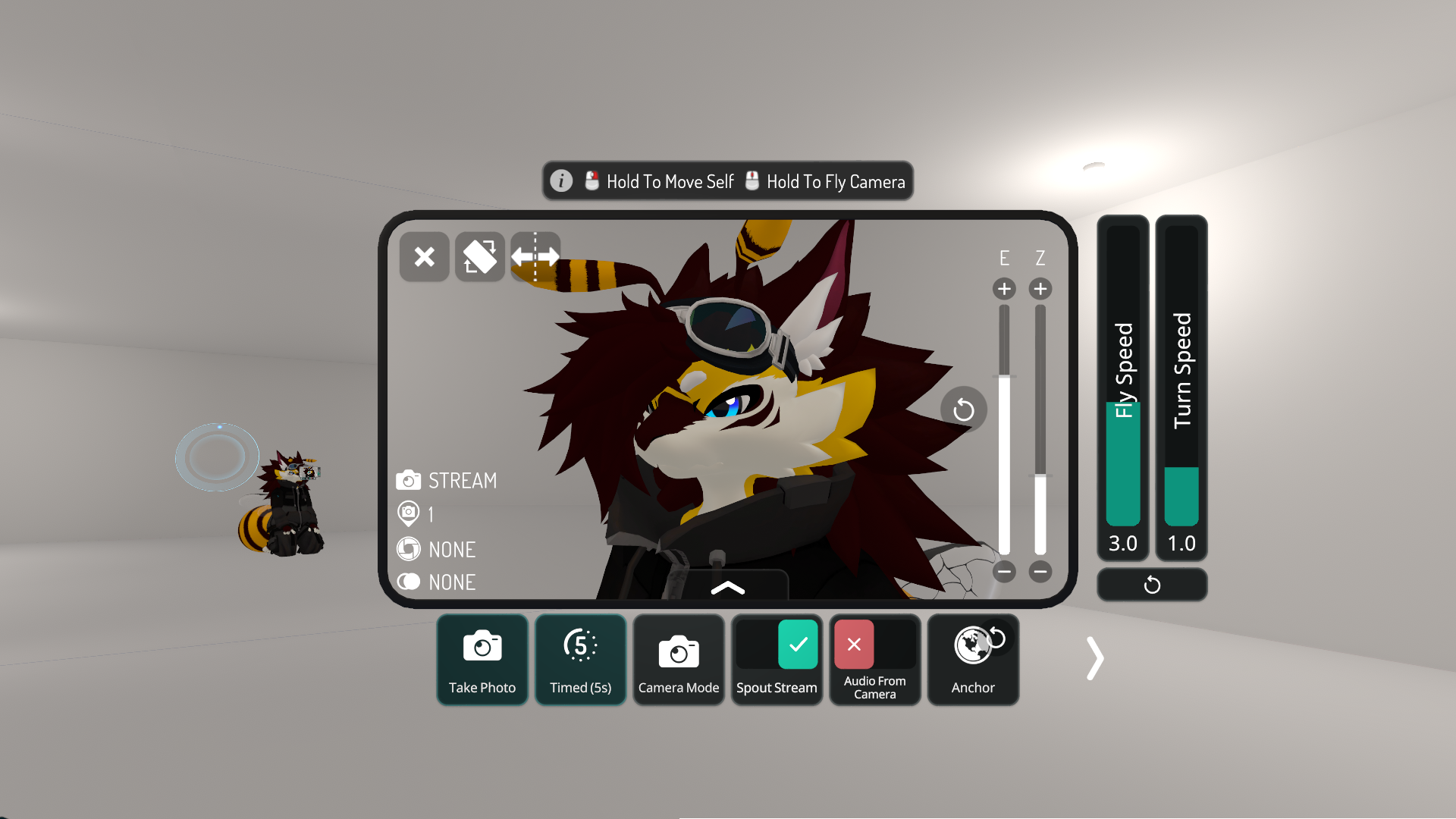
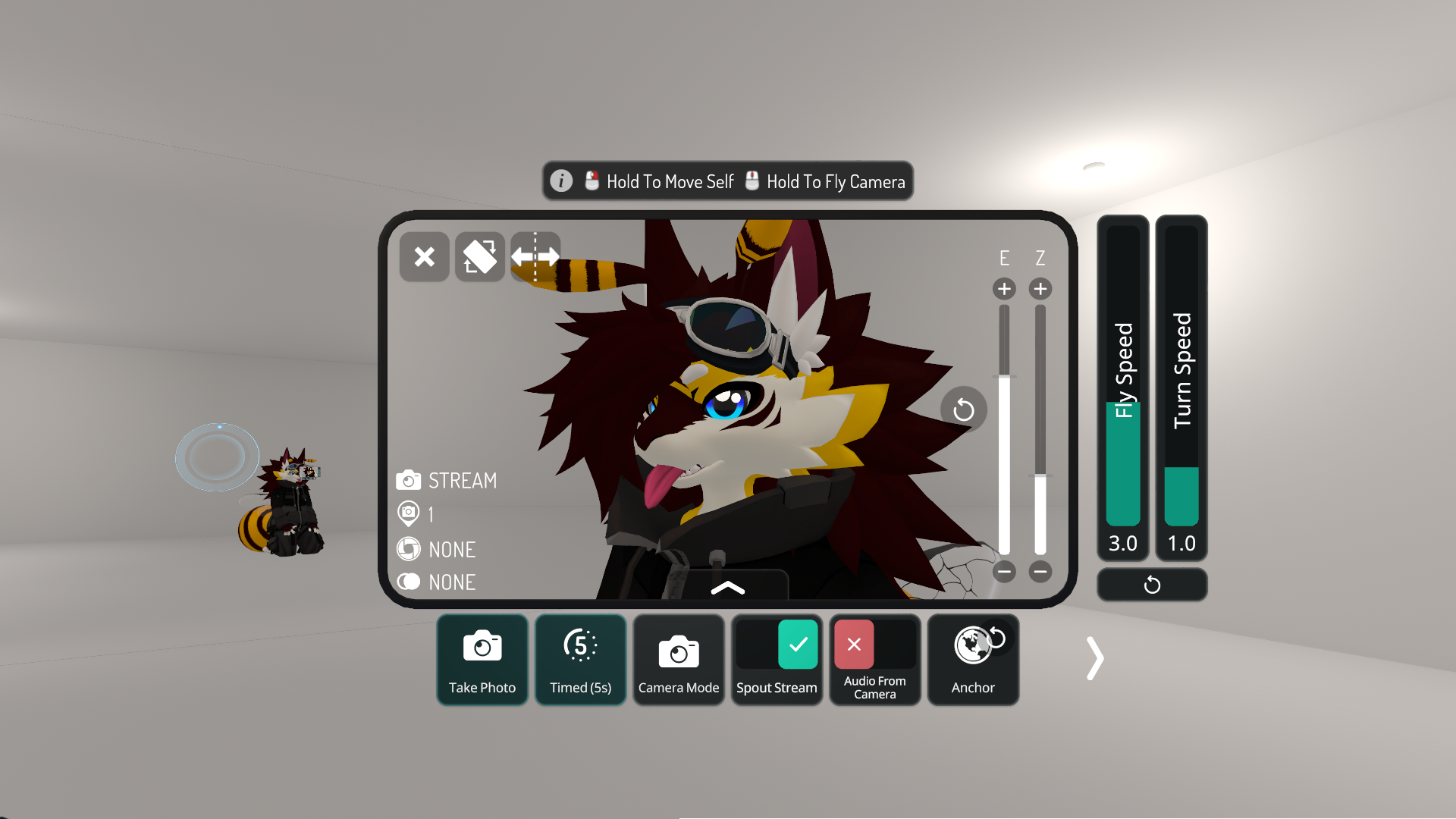
Proton 11 doesn't work on Spout2PW because the 'spout2pw.sh' file checks for Proton 10 though Spout2PW should work on Proton 11 (I never tried it though) Pipewire is needed because Spout2PW (from its name) uses Pipewire video streams and doesn't support X11 capture iyuv_32 is a Windows video player library that handles YUV videos and on WINE/Proton and it can be stubbed or not fully implemented which makes some apps and games crash when they try calling the functions in it My specs are not the best, with my PC on VRChat with The White Room world, the Bee Novabeast avatar, a Spout stream at 1080p and OBS capturing the Spout stream with Pipewire, I get FPS: 60-90 CPU Usage: 15-35% RAM Usage (OBS and VRChat): 4.2GB GPU Usage: 50-65% My specs CPU: Intel Xeon E5-2680 v2 RAM: 4 sticks of Samsung 8GB M393B1K70DH0 ECC Registered RAM at 1600MT/s (Quad channel config) GPU: XFX RX 7600 XT Before you yell at me for chosing a CPU and GPU combo this weird, it works pretty well in GPU bound games (Linux native or Proton with native Vulkan) though don't use that setup with Windows because you will get a BAD CPU bottleneck |
Last modified: 2026/5/17
You are visitor number: 52